5 Reasons People Who Can't Stop Scrolling in Bed Are Switching to This Physical Screen Timer
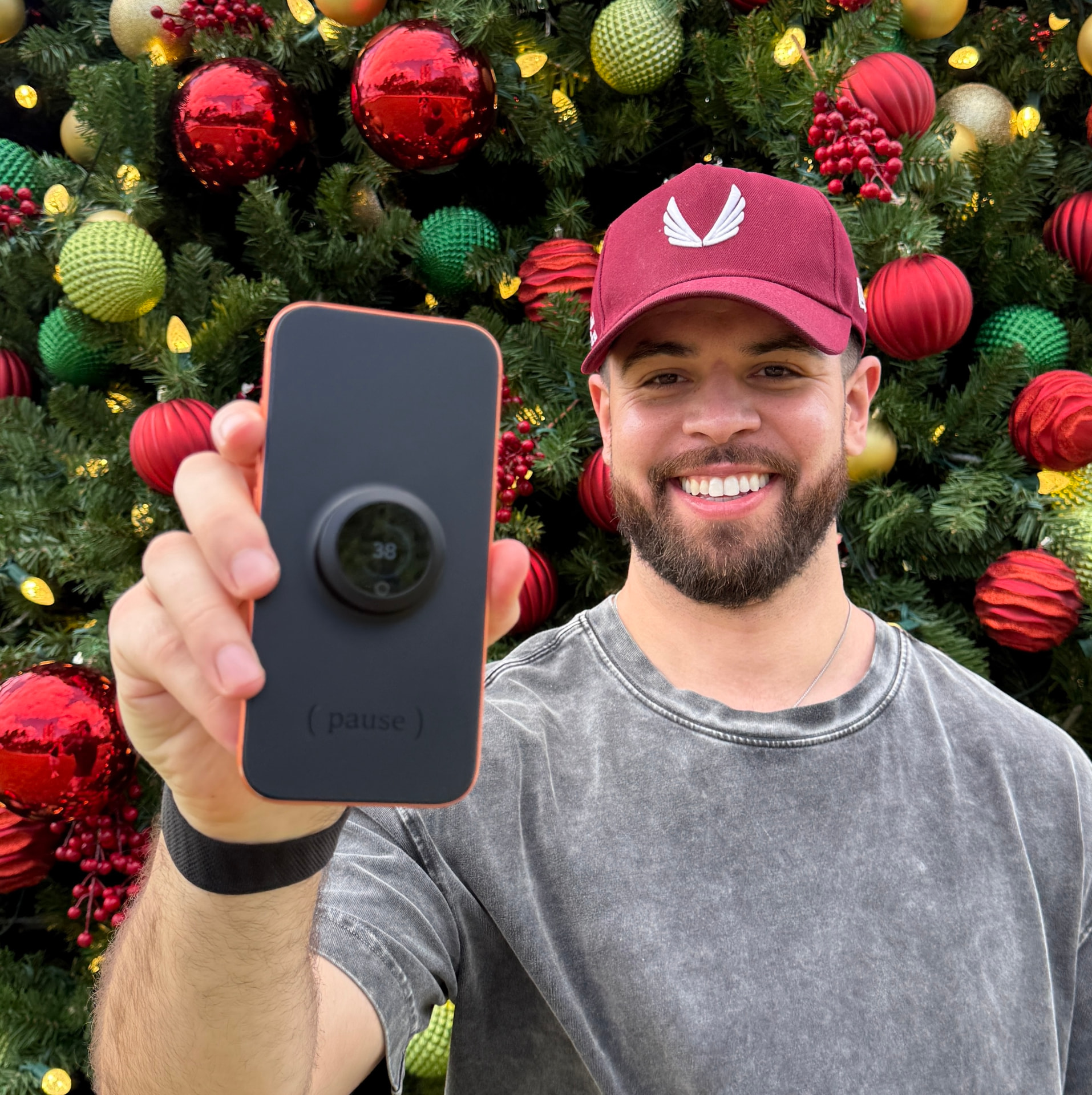
Ben S. · Creator of Pause
Updated 2 days ago
"Read this BEFORE you convince yourself you just need more discipline."
Pause
TL;DR: Finally, an app-free way to stop scrolling in bed and get a better night's sleep.
1. You'll actually fall asleep (instead of "one more video" at 1am)
You pick up your phone to unwind for a few minutes before bed. Before you know it, it's 1:17am. Again. You never intended to stay up this late. With Pause, when you're ready for bed, simply press it onto your screen, twist the dial, and put your phone down. Spend that time unwinding instead of scrolling. By the time the timer ends, you're already asleep instead of searching for one more thing to watch.
2. It stops the scrolling, not the rest of your phone
Putting your phone in another room sounds simple. Until you need your alarm, sleep sounds, or an important call. Pause lets you keep your phone beside you, but you can't get past its Lock Screen. It covers Face ID and your passcode keypad, so you can't unlock your phone to start scrolling. You can still answer calls, see texts, use Siri, and control your audio. Your phone stays useful when you need it, without tempting you back into the feed.
3. Patent-pending technology that takes willpower out of the equation
Screen Time limits? One tap to ignore. App blockers? Easy to bypass. Both leave you making the same decision over and over whenever temptation returns. Pause uses patent-pending MagSeal technology to physically seal over your screen. Once you set the timer, there's no override button, and the cover automatically releases when your time is up. You make the decision once, while you're ready to stop. Pause helps you stick to it when temptation returns.
4. It helps break the habit of checking your phone without thinking
Ever reach for your phone on the nightstand without even knowing why? Sometimes you haven't even decided what you want to check. Pause sits visibly on your screen, reminding you of the boundary you've set before you even pick up your phone. Over time, those little interruptions can help you build a new habit: leaving your phone alone in the first place.
Bonus
You'll find yourself using it for more than just bedtime
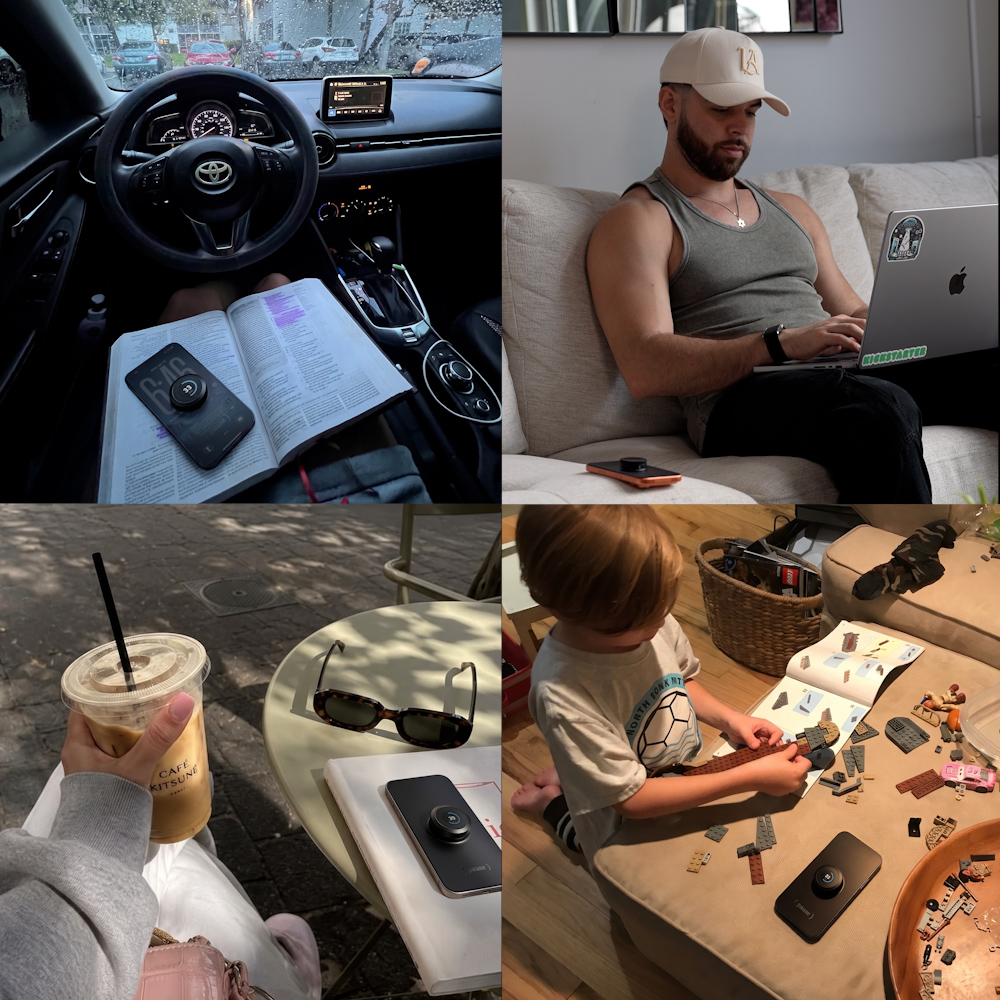
That "just five more minutes" problem doesn't only happen in bed. It happens when you're trying to finish some work, read a book, or enjoy dinner without checking your phone.
Pause makes it easy to give those moments your full attention, too. Set the timer for up to 60 minutes and enjoy uninterrupted time doing what you actually wanted to do.
5. 30-Day Money-Back Guarantee (Put Pause to the Test)
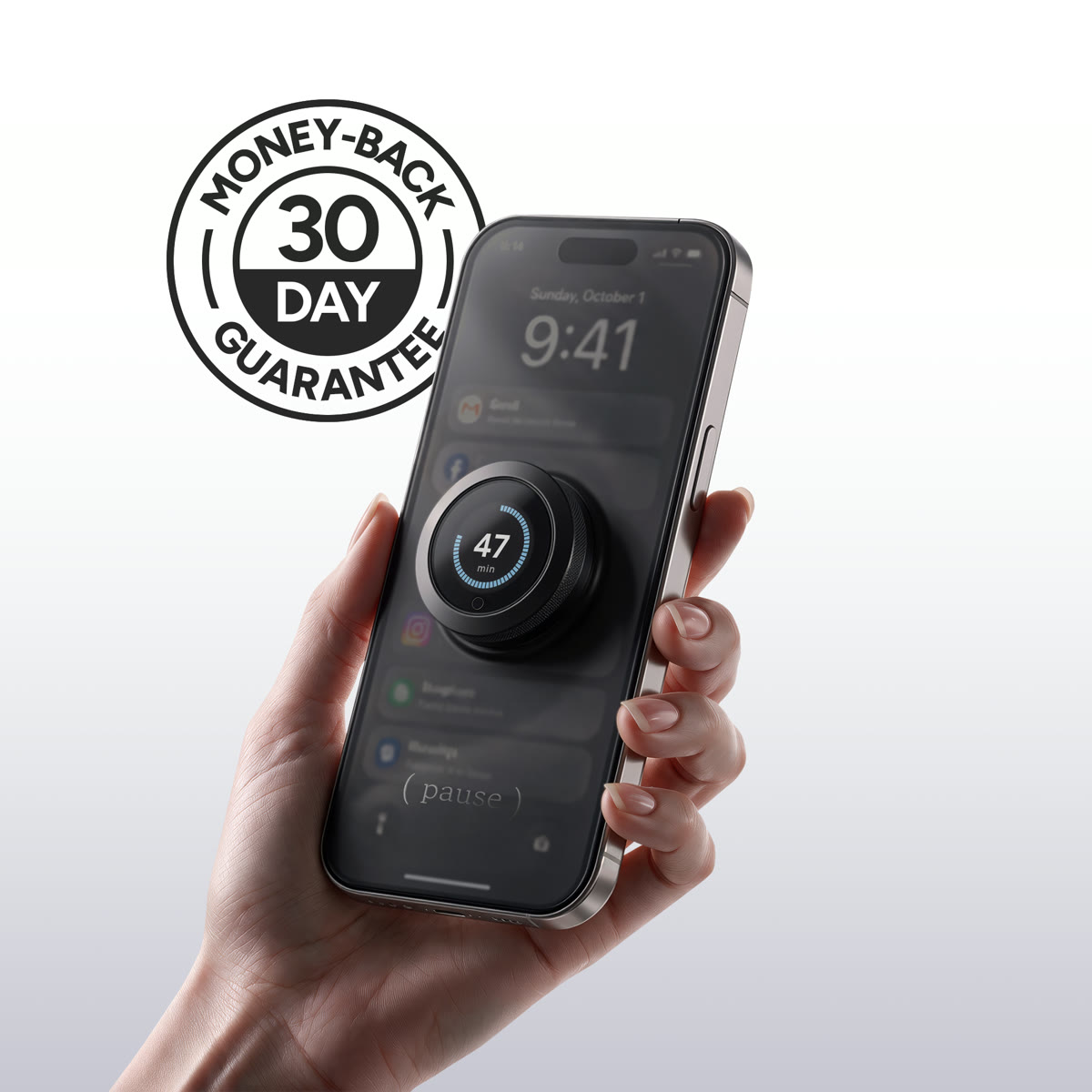
Premium screen time apps cost over $100 a year. Pause is a one-time purchase, and you have 30 days to decide if it's making a difference. Put Pause on before bed and spend that time winding down instead of scrolling. Fall asleep earlier. Wake up feeling more rested. If you don't notice a difference, send it back for a full refund with our 30-day money-back guarantee.
Black Friday Sale
Make bedtime yours again.
Pause is custom-fit to your iPhone model. See if yours is still available at our 47% OFF Black Friday price.

- End the “one more video” loop and get your evenings back.
- Keep calls, texts, Siri and your morning alarm accessible.
- No apps or subscriptions. Just press, twist and Pause.
Bedtime Sleep Impact Calculator
What is scrolling in bed doing to your sleep?
See what published research reveals about your nightly phone habit.
How long do you scroll after getting into bed?
What customers are saying
4.8 / 5 based on 50 reviews
- Nov 18, 2026
Finally sleeping before 2am
I used to tell myself I would stop at midnight and then it was 2:40. Now I set Pause for an hour, put on a podcast and I am out. My 8am lectures are actually survivable now.
Maya R. · College student ✓ Verified buyer
- Nov 17, 2026
Works
Simple. Does what it says.
Daniel K. · Dad of two ✓ Verified buyer
- Nov 16, 2026
Night shift brain needed this
After a 12 hour shift my brain is fried but wired, and I would scroll for hours trying to come down. With Pause I can still get calls from the hospital if they need me, but I cant fall into reels. Game changer for my days off sleep schedule.
Priya S. · ICU nurse ✓ Verified buyer
- Nov 15, 2026
Good, took a few nights to get used to
First couple nights I kept reaching for it out of habit lol. By the end of week one I wasnt even thinking about it. Knocking one star cause I wish it came in more colours.
Tom H. · Self employed electrician ✓ Verified buyer
- Nov 15, 2026
My one hour of peace
Once the kids are down I used to waste my only free time on my phone. Now I pause it and actually read a book or talk to my husband. Wild concept I know.
Jess M. · Mum of three ✓ Verified buyer
- Nov 14, 2026
Better than every app I tried
I've deleted and reinstalled Opal, one sec, and Screen Time limits more times than I can count. The problem was always me hitting ignore. Pause just removes the option.
Aaron L. · Grad student ✓ Verified buyer